
Approve tool destinations
Approve the public tool destinations a specific agent can use.
3 min readBefore you begin
- An organization administrator or security administrator, with recent identity verification.
Open agent settings
Choose the correct agent and open Settings. An organization owner or security administrator needs destination-management permission.
Add an origin
Enter the exact public HTTPS origin your connected tool uses. An origin contains scheme, hostname and optional port, without a path, query or fragment.
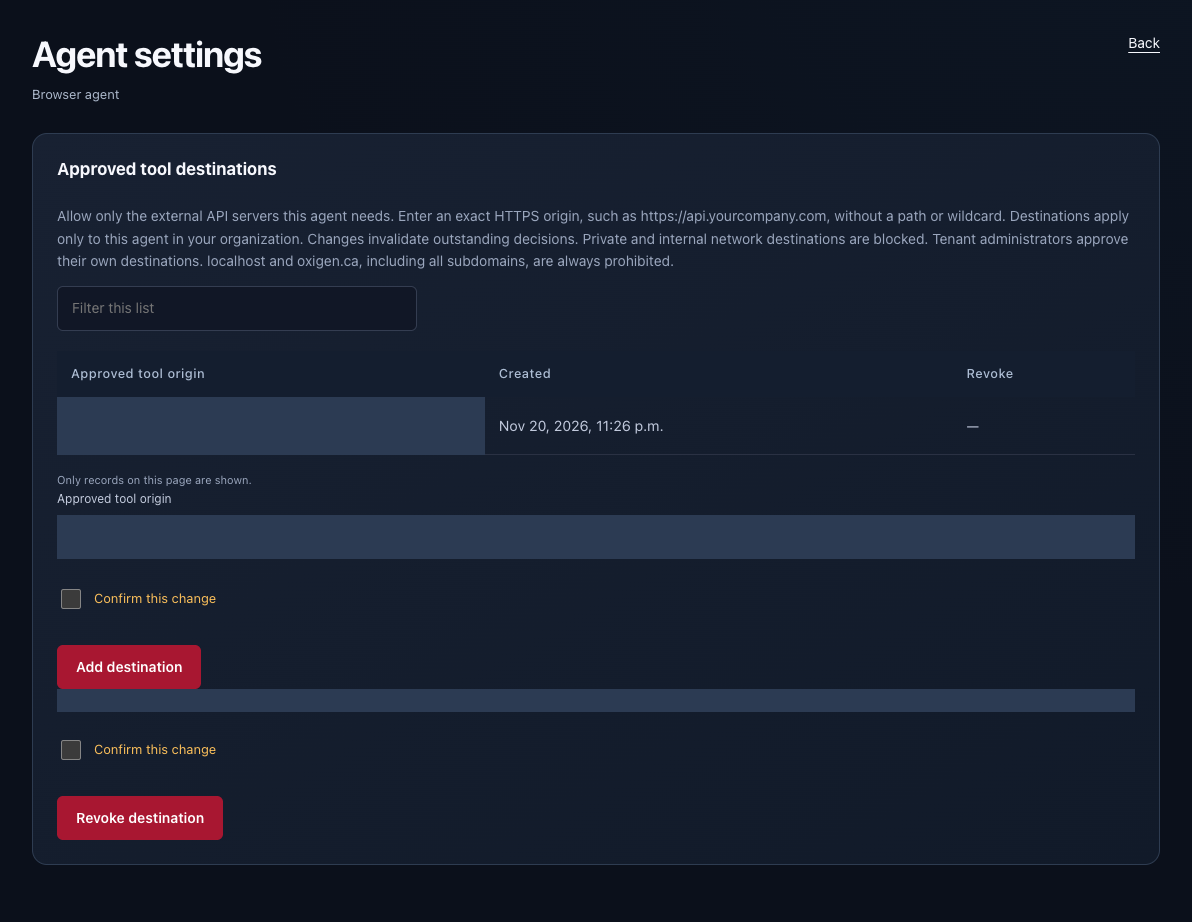
Confirm the change
Complete fresh identity verification if requested. Confirm and add the destination, then configure the tool connection for that agent.
Revoke when needed
Revoke destinations that are no longer approved. Localhost, private-network targets and Oxigen-owned internal domains are not accepted as customer tool destinations.
Check your setup
- The exact HTTPS origin is approved for this specific agent.
- Revoking a destination stops new requests; old decisions are not reused.